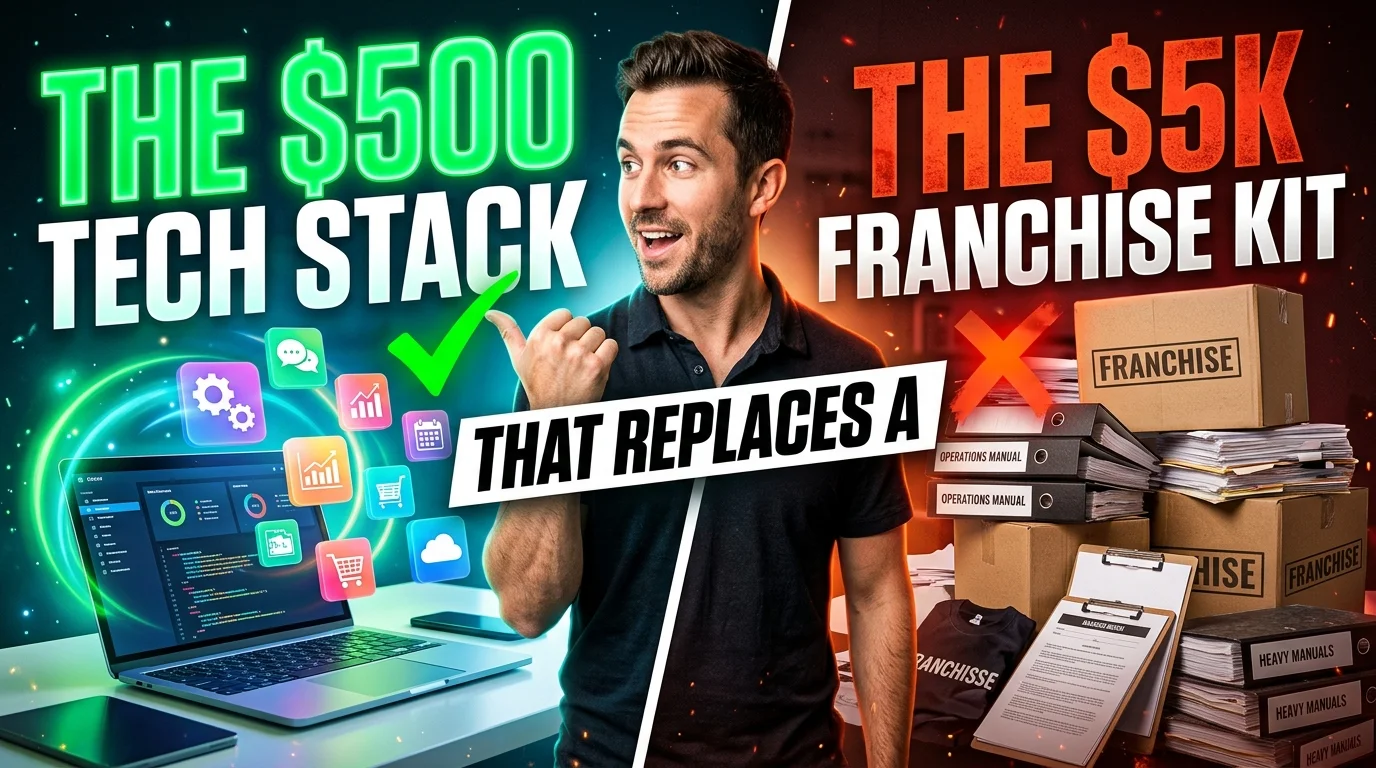

Imagine this. You’ve got a solid side hustle idea. Maybe it’s cleaning services, online tutoring, or a small digital shop. Then you come across a franchise opportunity that promises a “complete starter kit.” The price tag? Around $5,000 once you add up setup fees, software licenses, branded materials, and training.
Here’s the good news: you probably don’t need that kit. With the right affordable tech stack, you can run a professional-looking side hustle for about $500 in your first year.
Let me show you how.
[IMAGE 1: Laptop, notebook, and coffee cup on a clean desk]
Alt text: Laptop and notebook on a desk showing a budget-friendly side hustle setup
Why Franchise Kits Cost So Much
Franchise kits aren’t always a scam. Many of them include real value: a brand name, a proven playbook, and support from people who have done it before.
But a lot of what you pay for is stuff you can get on your own for much less. A typical kit might charge you for:
- A website template
- A booking system
- Business email
- Basic invoicing
- Marketing materials
- Training on software you could learn for free
Once you take those pieces apart, you’ll notice most of them are sold by companies charging a few dollars a month. The franchise is often just the wrapper.
The Big Idea Behind a $500 Stack
The goal isn’t to copy a franchise. It’s to build the same core systems yourself using tools that cost little or nothing. Your stack should handle five jobs:
- Show people who you are (website)
- Let people book or buy (scheduling and payments)
- Keep track of customers (CRM)
- Get the word out (email and social media)
- Keep your money in order (invoicing and accounting)
If a tool doesn’t help with one of these jobs, skip it. Simple almost always wins.
The Stack, Piece by Piece
1. A Simple Website
Your website is your storefront. Grab a domain name for about $15 a year from a registrar like Namecheap or Cloudflare. Then add hosting. A basic plan from a provider like Hostinger usually costs under $100 a year.
Install WordPress (most hosts make this a one-click job) and pick a free, clean theme like Astra or Kadence. You can have a mobile-friendly site up in an afternoon.
Keep it simple: a homepage, a services page, an about page, and a contact form. That’s all most side hustles really need.
[IMAGE 2: Website mockup on a laptop and phone screen]
Alt text: Simple website mockup on laptop and mobile phone for a side hustle
2. Professional Email
Nothing says “hobby project” like a Gmail address. For about $7 a month, Google Workspace gives you a branded email like hello@yourbrand.com, plus Drive, Docs, and Calendar. If you’d rather stay free, Zoho Mail’s free plan works well for solo owners.
3. Booking and Scheduling
Back-and-forth emails just to find a time waste hours. Calendly’s free plan or Cal.com lets clients pick an open slot themselves. Add the link to your website and email signature, and the problem mostly disappears.
4. Invoicing and Payments
Wave offers free invoicing and basic accounting. You only pay card processing fees when someone actually pays you by card. Use Stripe or PayPal to accept payments on your site. Pick one and stick with it so your records stay clean.
5. A Free CRM
A CRM sounds like something only big companies use, but it’s really just a organized list of your contacts and where they are in your sales process. HubSpot’s free CRM handles this well. Add contacts, log calls, and set follow-up reminders so nobody slips through the cracks.
6. Email Marketing
Email is still one of the best ways to bring customers back. MailerLite’s free plan covers up to 1,000 subscribers and lets you send newsletters, welcome emails, and simple automations. Put a signup form on your site and offer a small freebie, like a checklist or discount code.
7. Canva for Design
Canva lets you create social posts, flyers, logos, and menus without design skills. The free version is solid. Canva Pro, around $120 a year, adds brand kits and background remover tools that are worth it once you’re busy.
8. Automation with Zapier or Make
This is where the stack starts to feel like magic. Zapier’s free plan lets your apps talk to each other so tasks happen on their own. For example, when someone books a call, they’re automatically added to your CRM and sent a welcome email. Make has a free tier too and is a good alternative.
9. Cloud Storage and Password Management
Google Drive keeps your files backed up and easy to share. Bitwarden, a free password manager, stores your logins securely so you’re not reusing the same password everywhere. Future you will be grateful.
[IMAGE 3: Collage of app icons arranged like a dashboard]
Alt text: Collage of free and low-cost business tools for a side hustle tech stack
The Full Budget Breakdown
Here’s how the $500 adds up for your first year:
| Tool | Purpose | Estimated Cost |
|---|---|---|
| Domain name | Your web address | $15 |
| Web hosting | Keeps your site online | $90 |
| Google Workspace | Professional email and docs | $84 |
| Canva Pro | Design and branding | $120 |
| Logo design | Professional brand identity | $75 |
| Upgrade reserve | Paid plans as you grow | $116 |
| Total | $500 |
Calendly, Wave, HubSpot, MailerLite, Bitwarden, and Zapier’s free tier add $0 until you outgrow them. Payment processing fees only apply when you earn money.
Prices change, so double-check before you buy.
[IMAGE 4: Calculator and coins beside a notebook]
Alt text: Budget breakdown for a $500 side hustle tech setup
How to Set It Up in One Weekend
Don’t try to do everything at once. Here’s a simple order:
- Friday night: Buy your domain and hosting. Install WordPress.
- Saturday morning: Build your homepage, services page, and contact form.
- Saturday afternoon: Set up business email and your booking link.
- Sunday morning: Create your Wave account and connect a payment method.
- Sunday afternoon: Add HubSpot, MailerLite, and a signup form. Connect your first Zap.
Ambitious? Yes. Doable? Also yes, especially if you take breaks.
Mistakes to Avoid
- Buying tools before you need them. Start with the basics and add tools when a real problem shows up.
- Ignoring mobile. Most visitors will see your site on a phone, so test it there first.
- Using five tools for one job. Pick one scheduler, one invoicing tool, and one CRM.
- Forgetting backups. Keep copies of your website and important files.
- Skipping the legal side. Check your local rules on business registration, taxes, and licenses. No software can handle that part for you.
This Stack Won’t Replace Everything
Let’s be honest. A $500 stack won’t give you a famous brand name, a protected territory, or hands-on training. If your business needs a physical location, specialized equipment, or a proven national system, a franchise may still be worth the money.
But if your side hustle is service-based, digital, or online, these tools can take you a long way. Plenty of successful solo businesses run on exactly this kind of setup.
Final Thoughts
You don’t need a $5,000 kit to look professional or run a smart side hustle. You need a clear plan, a few reliable tools, and the discipline to actually use them. An affordable tech stack gives you the foundation, and the rest comes down to consistent effort.
Start small. Build one piece this week, then add another next week. Before you know it, you’ll have a business system that rivals the expensive kits at a fraction of the cost.
About Side Hustle Income
Want more ideas like this? Side Hustle Income shares practical, budget-friendly ways to earn extra money, from launching your first online business to setting up smart tools that save you time. No fluff, just actionable steps you can use this week.
Enjoy this post? Subscribe to Side Hustle Income so you never miss a new guide. Drop your email below and get fresh side hustle ideas delivered straight to your inbox.