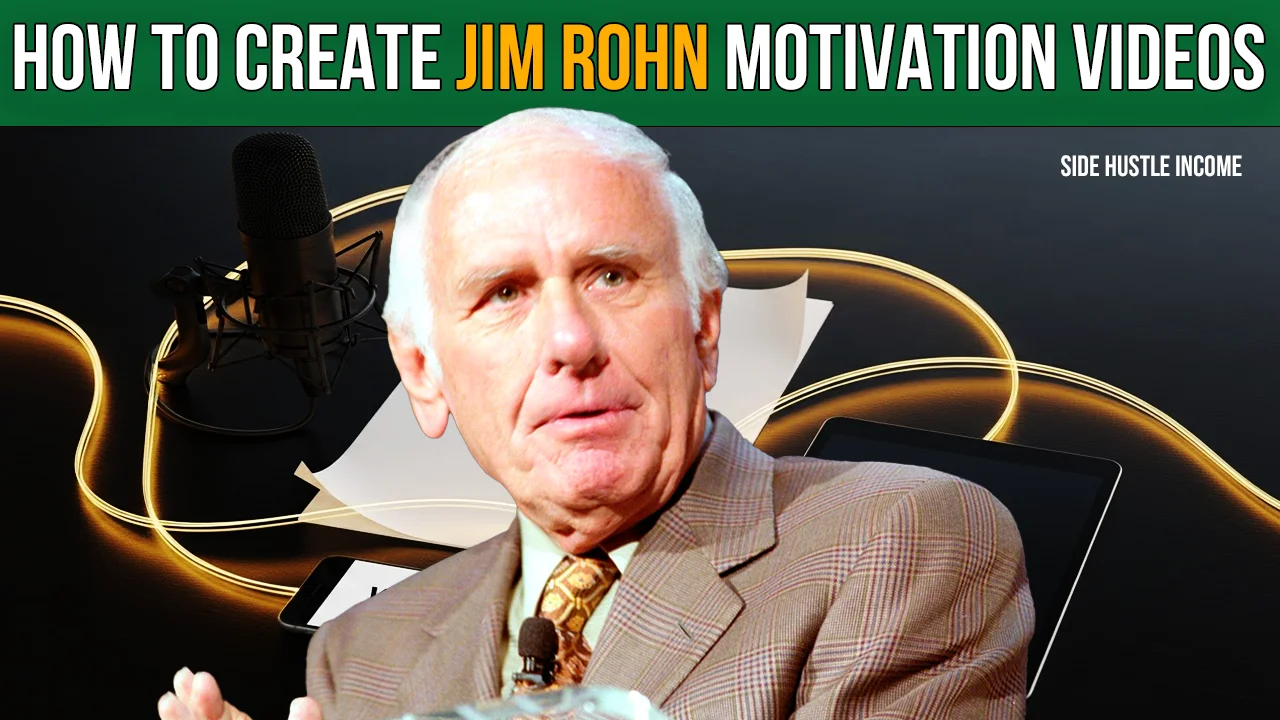
Motivational videos are trending massively right now. Specifically, channels focusing on the teachings of legends like Jim Rohn are seeing explosive growth.
In this guide, we are going to reverse-engineer a successful channel called “Jim Rohn Motivation.”
This channel has uploaded around 350 videos and is closing in on 270,000 subscribers. With weekly views hitting 200,000, this channel is estimated to be making between $3,000 and $3,500 per month.
Why is the earning potential so high? Because this niche attracts a USA-based audience, offering a high RPM (Revenue Per Mille) of $5 to $10.
The best part? The videos are incredibly simple: a black screen, a floating audio spectrum, prominent text, and a deep voiceover.
Here is your step-by-step guide to replicating this success using AI and automation tools.
Step 1: Niche & Strategy Analysis
Before we create, we must analyze the winning formula:
- Video Length: Approximately 30 minutes (Long-form content retains viewers).
- Frequency: 4 videos per week.
- Visual Style: Minimalist. Black background, “Audio Spectrum” visualizer, and captions.
- Topics: Self-discipline, Consistency, Goal Setting, Mindset, and Personal Identity.
Step 2: Generating Titles & Topics
You don’t need to brainstorm from scratch. We will use AI (like DeepSeek) to find viral topics.
- Find a Core Topic: Choose broad themes like “Self-Discipline” or “Personal Freedom.”
- Use AI for Titles: Input a prompt into DeepSeek asking for click-worthy titles similar to the “Jim Rohn Motivation” channel.
- Example Output: “The Principles of Self-Discipline and Personal Freedom.”
- Tip: Generate a list of 25 titles so you have a month’s worth of content ready to go.
Step 3: Writing the Script with AI
Since the target video length is 20–30 minutes, we need a long script (approx. 5,000+ words).
- The Prompt: Go to DeepSeek and paste your chosen title. Ask it to write a motivational script in the style of Jim Rohn.
- Part 1 & Part 2: The AI might stop after 10-15 minutes of script. Simply copy the last sentence and ask it to “Continue” or write “Part 2.”
- Combine: Merge the outputs until you have a script long enough to cover a 30-minute voiceover.
Step 4: Professional Voiceover (AI)
For motivational content, the voice needs to be deep, calm, and crispy.
- Tool: Use a text-to-speech tool like MikeMonster or similar AI voice platforms.
- Voice Selection: Look for a voice named “Adam” (or similar deep male voices). It is widely used in this niche because it sounds authoritative yet soothing.
- Workflow: Since AI tools have character limits (e.g., 12,000 characters), split your long script into 4 parts. Generate and download the audio for each part separately.
Step 5: Video Editing (The Visuals)
You don’t need complex stock footage. We are going for a “Podcast/Audiobook” vibe. You can use CapCut or Filmora.
- Import Audio: Drag all your generated voiceover files onto the timeline.
- The Spectrum: Search for “Audio Spectrum Green Screen” or “Black Screen” online. Download a style you like (e.g., a waveform or circular lines). Place it on the video track.
- Effects & Atmosphere:
- Add an “Old Slide Show” or “Retro Film” effect overlay.
- Lower the opacity of the spectrum and effects to make them subtle. The background should look dark and moody.
- Auto-Captions: Use the “Auto Caption” feature in CapCut.
- Center the text.
- Keep the font size small but readable.
- Use a typewriter or fade-in animation.
- Background Music: Add a “Sleep” or “Ambient” track from the YouTube Audio Library. Lower the volume (around -14dB) so it doesn’t overpower the voice.
Step 6: Designing High-CTR Thumbnails
The thumbnail needs to be simple, dark, and high-contrast. We will use Canva.
- Background: Use a solid black background.
- Image: Find a photo of Jim Rohn (Google Images). Remove the background and upscale the image if it’s blurry. Place it on the side and lower the opacity slightly so it blends into the dark background.
- Text Hierarchy:
- Main Keyword (e.g., PERSONAL FREEDOM): Use a bold font in Yellow.
- Secondary Keyword (e.g., Self Discipline): Use a bold font in White.
- The Red Line: Add a red graphic line or shape between the texts to create separation and visual interest.
- The Quote: Add a small sentence from the video title at the bottom in white text.
Step 7: SEO (Search Engine Optimization)
Finally, to get those views, you need proper SEO.
- Go back to DeepSeek.
- The Prompt: Ask the AI to generate a YouTube Video Title, Description, Tags, and Hashtags based on your script.
- Implementation:
- Use the primary title suggested.
- Paste the AI-written description (it will include keywords naturally).
- Copy the high-CTR tags into your video settings.
Conclusion
You now have the complete blueprint to launch a high-paying automated YouTube channel. The content is evergreen, the RPM is high, and the production process is largely automated.
Checklist to Start:
- Generate 25 Titles.
- Create Scripts & Voiceovers.
- Edit the “Dark Mode” visuals.
- Design Canva Thumbnails.
- Upload consistently (4x a week).
If you found this guide helpful, make sure to try it out and let me know your results!

Disclaimer
We’re not promising lottery winnings on Side Hustle Income. Your results will depend on how much time you put in. But here’s what we CAN promise – these are 100% free, legal ways to make real money from your couch. No funny business.
So… what are you waiting for? That money isn’t going to earn itself! 💸