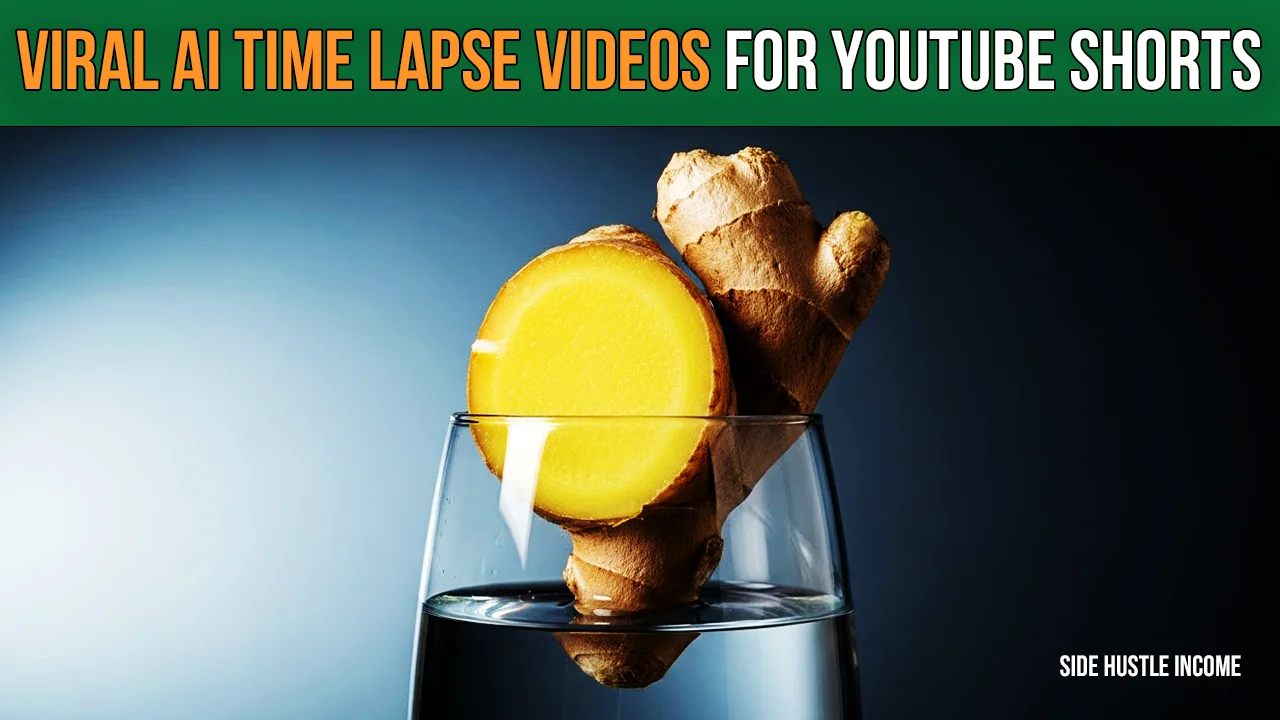
Have you seen those satisfying videos of plants growing from seeds to fruit in seconds? Channels like “Natural Laps” are generating millions of views and earning thousands of dollars monthly with this content.
Traditionally, making a Plant Growth Time Lapse required expensive cameras, months of patience, and complex lighting setups. But today, you can bypass all that hard work.
Here is how you can create a realistic AI Time Lapse Video in minutes and start your own YouTube Shorts Automation channel.
Why This Niche Works (The Case Study)
The script analyzes a competitor channel, Natural Laps. With less than 100 videos, they gained nearly 500k subscribers and millions of views.
The content is simple, educational, and universally appealing. By using AI, you can replicate this success without waiting 100 days for an onion to grow.
Step-by-Step Guide to Creating AI Time Lapses
1. Generate Your Topic and Title
Don’t guess what to make. Use ChatGPT to find trending topics. Ask for titles related to vegetable or fruit growth (e.g., “Amazing Onion Growing in Water”).
- Tip: Create a list of 50-60 items (Ginger, Garlic, Tomato, Mango) to ensure you have content for months.
2. Create the Base Image
You need a high-quality “seed” image. Use an AI image generator (like Midjourney or Visc) with a specific prompt.
- Aspect Ratio: Set this to 9:16 (vertical) for Shorts.
- Prompt Focus: Ask for a “Micro realistic still image” of the vegetable in a glass of water or soil.
3. Animate with an AI Video Generator
This is where the magic happens. You don’t need to film anything. Use an AI Video Generator that supports “Image-to-Video” functionality (like Runway Gen-2 or Pika).
- Upload your base image.
- Use a Motion Prompt: Describe the growth (e.g., “Roots growing down, green shoot growing up, water level decreasing slightly”).
- Generate 3-4 variations to pick the best result where the physics looks real.
4. Edit and Compile
Import your best AI clips into an editor (like Filmora or CapCut).
- Speed: Slow down the clip to make it last 15-20 seconds.
- Audio: Remove the AI-generated noise. Add calm, royalty-free background music from the YouTube Audio Library.
- Effect: Add a subtle “fade out” to the audio at the end.
5. SEO and Upload
To Earn Money from YouTube Shorts, you need views. Go back to ChatGPT and ask for viral Shorts descriptions, tags, and hashtags based on your video title.
- Consistency is Key: Upload one video every day.
Conclusion
The era of setting up cameras for weeks is over. By leveraging AI Time Lapse Video technology, you can build a high-quality, faceless educational channel. Start creating today, stay consistent, and ride the wave of AI automation!

Disclaimer
We’re not promising lottery winnings on Side Hustle Income. Your results will depend on how much time you put in. But here’s what we CAN promise – these are 100% free, legal ways to make real money from your couch. No funny business.
