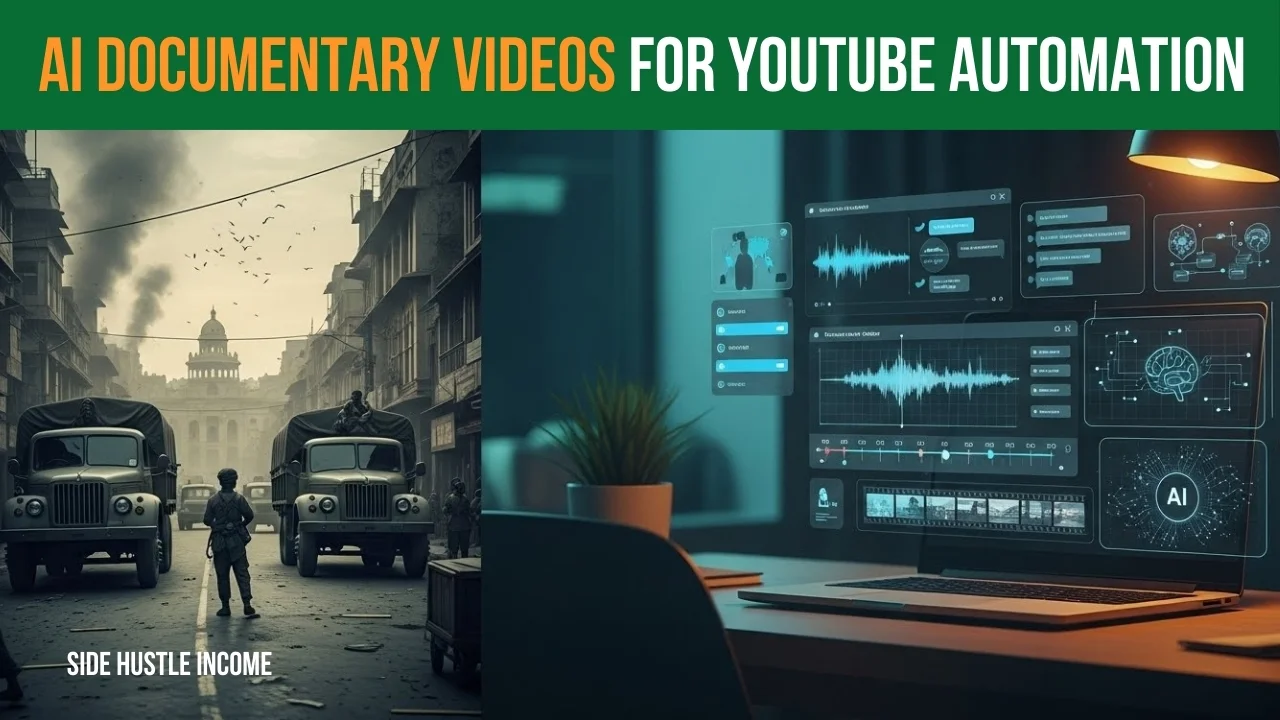
You don’t need a studio, a big team, or expensive cameras to make powerful AI Documentary Videos anymore.
With today’s AI tools, you can research, write, narrate, and edit an entire documentary right from your laptop.
In this guide, I’ll show you a simple, step‑by‑step process to create YouTube‑ready AI Documentary Videos using AI from :
- choosing a topic and writing the script, to
- generating voice‑overs
- visuals, thumbnails, and
- even doing basic SEO.
The example comes from a 1971 Bangladesh Liberation documentary, but you can use the same method for any story you want to tell.
What You Need (Basic Toolset)
You don’t have to use the exact same apps, but this kind of stack works well for AI Documentary Videos:
1. ChatGPT (or similar AI chatbot)
For:
- Topic ideas
- Script writing
- Visual prompts
- Thumbnail ideas
- YouTube title/description/tags
2. Text‑to‑Speech (TTS)
Examples:
- ElevenLabs, Minimax, etc.
For:
- Turning your script into a realistic voice‑over (Hindi/Urdu or English).
3. Text‑to‑Video or Stock Footage
Examples:
- Flow, Pika, Runway, Kaiber, or simple stock sites like Pexels/Pixabay.
For:
- Short clips that match your narration.
4. Image Generator + Designer
Examples:
- Midjourney / DALL·E / Leonardo + Canva.
For:
- Eye‑catching thumbnails.
5. Video Editor
Examples:
- CapCut (easy)
- Premiere Pro / DaVinci Resolve (more advanced)
That’s it. Now let’s walk through the process of building AI Documentary Videos step by step.
Step 1 – Pick a Strong Topic & Title
AI Documentary Videos work best around clear, emotional topics, like:
- Historical events (1971 war, Jallianwala Bagh, Partition, etc.)
- Political turning points
- Big scams or crimes
- Untold biographies
You can ask ChatGPT:
“Suggest 20 emotional documentary topics on Indian and Pakistani history, with powerful YouTube titles for each. Audience: people who like Dhruv Rathee–style videos.”
Pick one, for example:
- “1971 Bangladesh Liberation – Inside Pakistan’s Perspective”
You can refine the title later. For now, just fix a working title and move on.
Step 2 – Get the Script Written with AI
Now we turn that topic into a full documentary script for your AI Documentary Videos.
Ask ChatGPT something like:
“Write a 10‑minute YouTube documentary script on
‘1971 Bangladesh Liberation – Inside Pakistan’s Perspective’.
Language: Simple, emotional Hindi (Devanagari).
Format: Scene 1, Scene 2, Scene 3…
Each scene should have a hook and then narration for a voice‑over.
Style: Serious, cinematic, like a history documentary.”
You’ll get:
- Scene 1 – Hook + narration
- Scene 2 – Hook + narration
- …and so on.
If you want a 5‑minute or 20‑minute video, just mention that instead of 10.
Turn It into a Clean Voice‑Over Script
For the TTS tool, you need one continuous script, not scene labels.
Ask ChatGPT again:
“Now convert that scene‑by‑scene script into one continuous voice‑over script.
No ‘Scene 1’, ‘Scene 2’ headings.
Just line‑by‑line narration as if a single narrator is speaking.
Keep it in Hindi (Devanagari).”
Copy this final text somewhere safe. That’s your VO script.
Step 3 – Create the Voice‑Over with AI
Open your TTS service (e.g., ElevenLabs):
- Create a new audio.
- Paste your entire VO script.
- Choose a serious, documentary‑style voice (male/female as you like).
- Generate the audio and download it.
If the audio has long silences, you can use any “remove silence from audio” website to clean it. Upload → process → download. This makes the narration tighter and more natural, which is crucial for professional‑sounding AI Documentary Videos.
Step 4 – Plan and Generate Visuals
This is where your video gets its cinematic look.
>> Break Script into Lines
Take the voice‑over script and split it into short lines or segments like:
- “On the surface, Pakistan looked calm, but inside everything was breaking.”
- “From the East, disturbing news was arriving: rebellion, operations, orders.”
- “No one knew what was really happening in Dhaka.”
- etc.
>> Use ChatGPT to Write Visual Prompts
Tell ChatGPT:
“For each narration line I give you, write a detailed, cinematic visual description in English that I can use in a text‑to‑video AI tool. Mention camera angle, time of day, location, mood, color tone, and any people in the scene.”
Then, for each line, paste it and get a visual prompt. Example:
Narration line:
“At night, army trucks moved through the dark streets. No one knew if they were going to save people or do something else.”
Visual prompt:
“Cinematic night shot of old military trucks driving slowly through dark, empty streets of a 1971 South Asian city. Headlights cut through the darkness, casting long shadows on crumbling walls. Camera follows from behind in slow motion. Colors are dark and desaturated, with a tense, ominous mood.”
Do this for all important lines.
>> Generate Clips (or Use Stock)
Now, put each prompt into your text‑to‑video tool:
- Aspect ratio: 16:9
- Duration per clip: 4–8 seconds
- Download each generated clip.
If text‑to‑video is not available:
- Use the prompts to search matching stock videos.
- Or generate AI images and animate them with slow zoom/pan inside your editor.
Step 5 – Design an AI‑Assisted Thumbnail
A good thumbnail can make or break AI Documentary Videos.
A strong documentary thumbnail is:
- Serious, cinematic
- High contrast
- Very little text
- Strong emotion
Ask ChatGPT:
“My video is titled ‘1971 Bangladesh Liberation – Inside Pakistan’s Perspective’.
Give me 3 thumbnail concepts and a detailed AI image prompt for the best one.
Style: dark, emotional, war/historical feel.”
Use the prompt in an image generator (Midjourney, DALL·E, etc.), download the best image, and open it in Canva:
- Add big text like “1971”
- Below: “Bangladesh Liberation” or “Fall of Dhaka”
- Use bold fonts and strong contrast.
Export as your final thumbnail.
Step 6 – Edit Everything Together
Use CapCut (or any editor) to assemble the video.
>> Set Up the Timeline
- Create a new project.
- Import:
- Voice‑over audio
- All video clips
- Background music
- Drag the voice‑over onto the audio track.
>> Add Intro
- Insert a short black screen at the start.
- Add text on top:
- “1971” (big)
- “Bangladesh Liberation” (smaller)
- Keep it 3–4 seconds with soft background music.
>> Sync Clips with Narration
Now match visuals with the voice:
- Play the VO.
- Listen to the first line.
- Drop in the clip that fits that line’s meaning.
- Trim the clip so it ends where the line ends.
- Repeat for every line/segment.
If a line is long and the clip is short, you can:
- Slightly slow the clip down, or
- Use two related clips back‑to‑back.
Add simple fade transitions between clips (no flashy effects). A short black fade works best for documentaries and keeps your AI Documentary Videos looking clean and professional.
>> Add Background Music & Filters
- Keep music volume low so the narration is always clear.
- Optionally, add:
- Light film grain
- A bit of noise
- A film frame border
- Very subtle camera shake on some clips
Export the final video in 1080p.
Step 7 – Do Basic YouTube SEO and Publish
Let ChatGPT handle most of the text work for you.
Ask:
“For a YouTube video titled ‘1971 Bangladesh Liberation – Inside Pakistan’s Perspective’, aimed at Indian and Pakistani history lovers, give me:
– 5 clickable titles
– A short, medium, and long description
– 25–30 tags
– 10–15 hashtags.”
Use:
- 1 best title
- 1 description (you can lightly edit it)
- All relevant tags in the “Tags” field
- A few hashtags at the bottom of the description
Upload your video + thumbnail, paste your text, and publish.
Final Thoughts
With this workflow:
- ChatGPT = your writer + planner + SEO assistant
- TTS = your narrator
- Text‑to‑video / stock = your camera crew
- Canva + AI art = your thumbnail designer
- CapCut = your editor
You don’t need a big budget or a studio to produce high‑quality AI Documentary Videos. You need:
- A good topic
- Respectful, honest storytelling
- Patience to sync visuals and audio properly
Follow these steps a few times, and you’ll be able to build a full AI‑powered documentary channel on YouTube, with consistent, professional‑looking AI Documentary Videos your audience will love.

Disclaimer
We’re not promising lottery winnings on Side Hustle Income. Your results will depend on how much time you put in. But here’s what we CAN promise – these are 100% free, legal ways to make real money from your couch. No funny business.
So… what are you waiting for? That money isn’t going to earn itself! 💸