
Do You Really Need to Be a “Designer” to Earn With Canva?
You’ve seen the posts. Someone makes a simple planner in Canva, and weeks later people are paying for it. You wonder, “Could I do that?”
Here’s the good news. A Canva side hustle doesn’t need design school or fancy software. It needs one smart trick that most beginners miss. And that trick is why some sellers talk about reaching $1,000 a month. Let’s walk through it.
Side Hustle Income helps beginners find simple, realistic ways to earn extra money online and at home. We share ideas, costs, and honest results so you can start with confidence.
What Is a Canva Side Hustle?
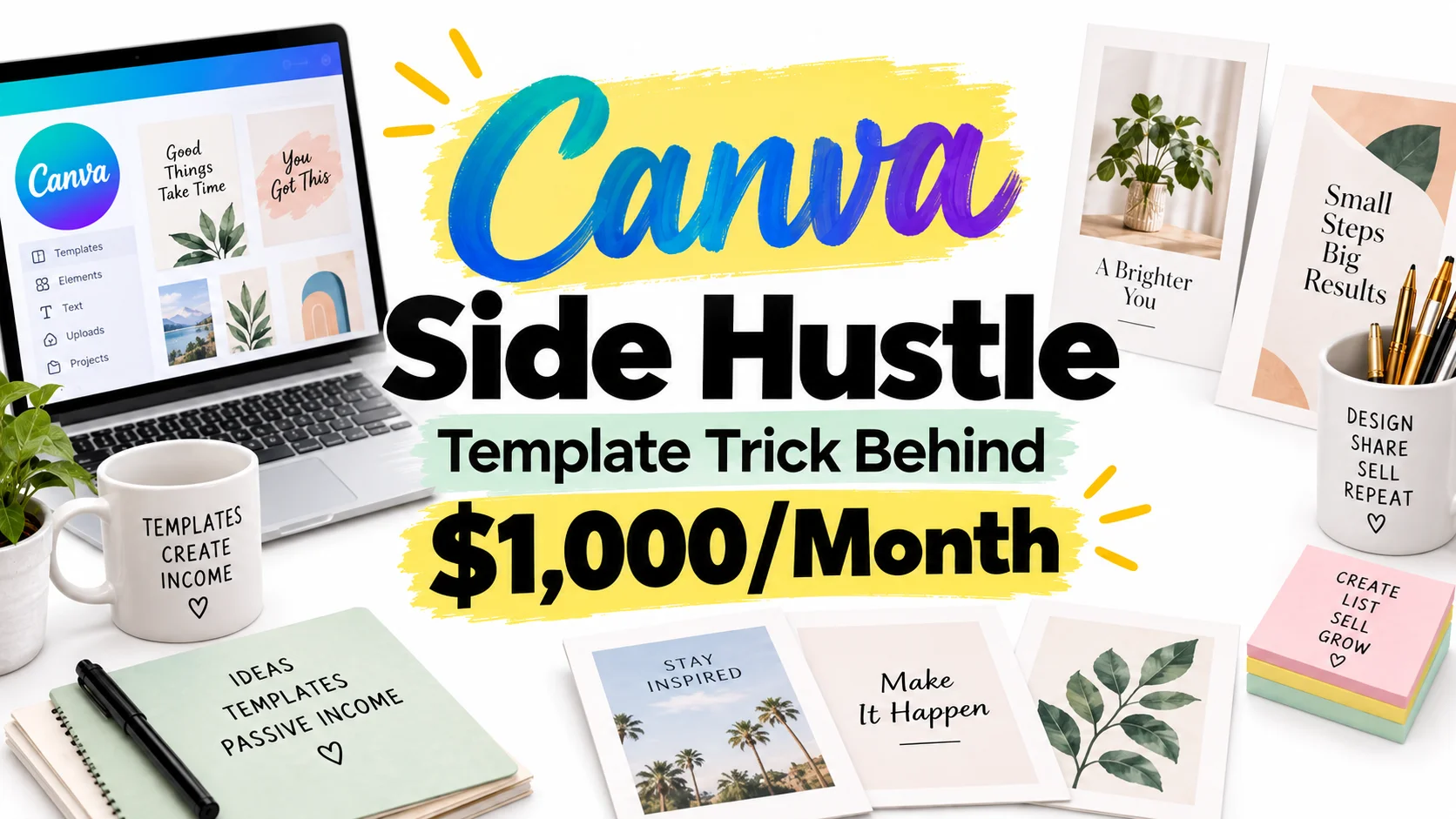
A Canva side hustle means making designs in Canva and selling them for money. The most popular version is editable templates. Think wedding invitations, resume layouts, social media post sets, or budget planners.
Buyers don’t want to start from a blank page. They want a design they can personalize in five minutes.
Who it suits:
- Beginners with a phone or laptop
- People with 5-10 spare hours a week
- Anyone who likes simple, creative work
Why it’s popular now: Canva is free to start, and buyers love instant downloads. There’s also no shipping, no stock, and no packing boxes.
Canva Side Hustle – Template Trick
So what’s the trick? You sell the same design again and again, and each buyer gets their own editable copy.
Canva has a feature called a template link. When you share a design this way, the person who opens it gets a fresh copy in their own account. Your original stays safe.
Here’s what that means for you:
- You make the design once.
- You can sell it many times.
- Delivery is automatic, so you’re not chasing buyers.
Canva makes template links available only on paid plans, such as Canva Pro, Teams, and Enterprise. So if you want to sell editable templates, plan for a paid subscription.
Key Takeaway: Your income comes from reselling one design many times, not from trading hours for each customer.
💡 Pro Tip: Don’t sell “social media templates.” Sell something narrow, like “bakery Instagram story templates” or “yoga teacher price list.” Narrow ideas are easier to find and easier to win.
Step-by-Step: How to Start Your Canva Side Hustle
1. Pick a small niche
Choose one group of people with one problem. For example, new Etsy sellers who need packaging inserts, or tutors who need lesson planners.
2. Design 3-5 starter templates
Keep it simple. Use clean layouts, editable text boxes, and photo placeholders. Aim for designs a total beginner could edit.
3. Follow Canva’s licensing rules
This step matters most. You can only sell original designs. You can’t pull a single Canva photo or illustration and sell it as is. Templates that use Canva Pro content must be shared as template links. They can’t be sold as PDFs or other file types, flattened or not.
4. Create your template link
In Canva, open the design, choose Share, then Template link. Avoid edit-access sharing, since that lets buyers change your original.
5. Build a simple delivery PDF
Etsy doesn’t take direct Canva links, so sellers upload a PDF that contains the link. Add your shop name, a thank-you note, and clear instructions.
6. List your templates
Open a shop on a marketplace like Etsy, or sell from your own site. Write clear titles, use bright preview images, and explain exactly what buyers receive.
7. Improve with feedback
Read your questions and reviews. Fix confusing templates and make more of what sells.
Startup Cost and Time Needed
Here are honest ranges, not promises:
| Item | Approximate cost / time |
|---|---|
| Canva paid plan (needed for template links) | Check Canva’s pricing page for your country |
| Etsy listing fee | $0.20 per item, and a listing lasts four months |
| First 3-5 templates | About 10-20 hours total |
| Time to first sale | Varies. Some wait weeks or months |
Writer: please verify the current Canva plan price before publishing.
Realistic Earnings: What About $1,000 a Month?
Let’s do the math, and keep it honest.
Say you sell a template for $10. On Etsy, there’s a 6.5% transaction fee and a payment processing fee of 3% plus 25 cents in the US. That’s about $1.20 in fees, leaving roughly $8.80 per sale before tax and your subscription.
To reach $1,000 a month, you’d need around 115 sales a month at that price. That’s an example, not a forecast.
What affects your earnings:
- Your niche and how many sellers already serve it
- Design quality and clear previews
- Listing titles that match what buyers search
- How many templates you have for sale
- Time and patience
💡 Pro Tip: More listings means more chances to be found. Many sellers add one new template every week or two instead of waiting for one “perfect” design.
Tools and Platforms: Pros and Cons
Canva (Free vs Paid)
- ✅ Easy to learn and beginner friendly
- ❌ Template links need a paid plan
Etsy
- ✅ Buyers already search there for templates
- ❌ Fees apply, and there’s a lot of competition
Your own website (like WordPress)
- ✅ You keep more control over pricing and branding
- ❌ You must bring your own traffic
- ✅ Great for free traffic from visual searches
- ❌ Results are slow and need consistent pinning
Which Template Types Are Worth Trying?
This is a general guide, not hard data.
| Template type | Good for | Watch out for |
|---|---|---|
| Social media sets | Small business owners | Very crowded niche |
| Planners and trackers | Students, parents | Needs a unique angle |
| Invitations | Event planners | Seasonal demand |
| Resumes | Job seekers | Many free options exist |
| Price lists and menus | Local sellers | Needs a narrow niche |
Common Mistakes Beginners Make
- Selling Canva’s own elements by themselves. Canva’s license doesn’t let you sell your own stock content, like clipart files, made from its Free or Pro content. Create original designs instead.
- Choosing a niche that’s too broad. Go narrow.
- Skipping the instructions. Buyers get lost without a simple how-to page.
- Using the wrong link type. Share a template link, not an edit link.
- Deleting a design. Canva deactivates a template link when you delete the design, and past buyers lose access.
- Copying other sellers. It can break copyright rules and it hurts your shop.
Fees, Rules, and Taxes
- Marketplaces charge fees, and rates can change. Always read the platform’s current fee page.
- Check Canva’s license and Etsy’s policies before you list.
- Income from selling may be taxable where you live. Ask a local tax professional.
Mini FAQ
Do I need Canva Pro to sell templates?
For editable template links, yes. Template link creation is available only on paid plans.
Can I sell Canva templates on Etsy?
Yes, if the designs are your own original work and you follow Canva’s licensing rules.
Do I need design skills?
No. Clean, simple, and easy to edit beats fancy.
How fast will I make money?
It varies a lot. Some people see their first sale in weeks, others take longer.
Is $1,000/month realistic?
It’s possible for some, but it isn’t typical or guaranteed.
Quick Start Checklist
- ☐ Pick one narrow niche
- ☐ Read Canva’s license rules for selling designs
- ☐ Get a paid Canva plan if you want template links
- ☐ Design your first 3 templates
- ☐ Create template links and a delivery PDF
- ☐ Open a shop and write clear listings
- ☐ Create 3 Pinterest pins for each template
Who This Is NOT For
This isn’t for you if you want money this week. It’s also not a fit if you won’t spend a little time learning, or if you hate waiting for results. It takes patience.
Final Thoughts
The Canva side hustle trick is simple: build once, sell many times. Your first goal isn’t $1,000. It’s your first listing.
Your next step: Pick one niche and design one template this weekend. Then explore more guides on Side Hustle Income. We’re happy to help you start.
Results vary. Earnings depend on effort, skills, and market demand.
Suggested internal links:
- How to Start an Etsy Shop With Digital Products
- Pinterest Marketing for Beginners: Get Your First Traffic
- 10 Printable Planner Ideas You Can Sell Online
References
- Canva Help Center, “Use Canva to design digital and physical products for sale.” https://www.canva.com/help/using-canva-to-create-products-for-sale/
- Canva Help Center, “Licenses, copyright and commercial use.” https://www.canva.com/help/licenses-copyright-commercial-use/
- Etsy, “Fees & Payments Policy.” https://www.etsy.com/legal/fees
- Etsy Help, “Etsy Fee Basics.” https://help.etsy.com/hc/en-us/articles/360035902374-Etsy-Fee-Basics
- Printify, “How to sell Canva templates on Etsy.” https://printify.com/blog/how-to-sell-canva-templates-on-etsy/
Writer: please verify before publishing. Fees and Canva plan prices change, and I didn’t confirm Canva Pro’s current price. The “115 sales” figure is my own illustrative math, not a sourced statistic.